
App detail
Prompt Library
Your AI prompts — labelled by Claude, filtered in a tap, copied in one.
About Prompt Library
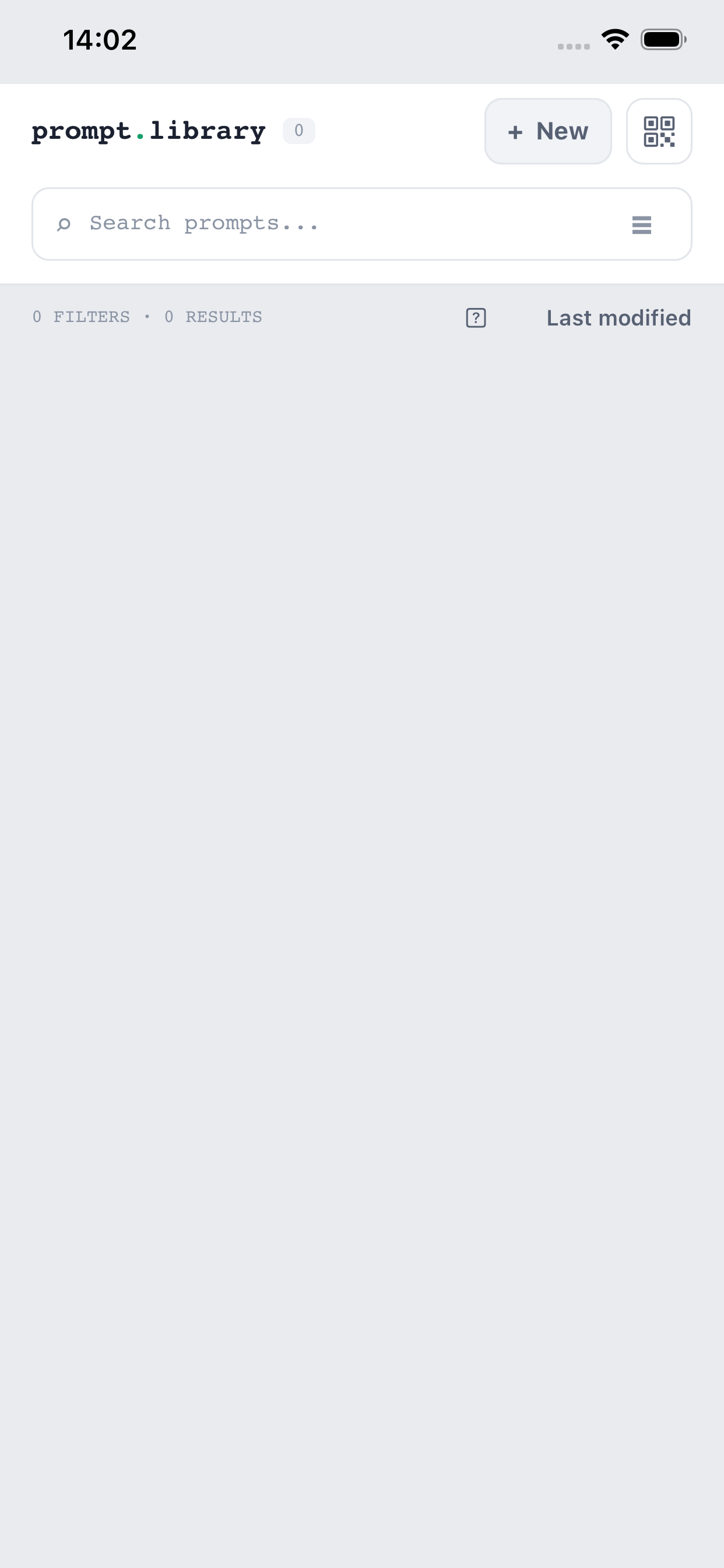
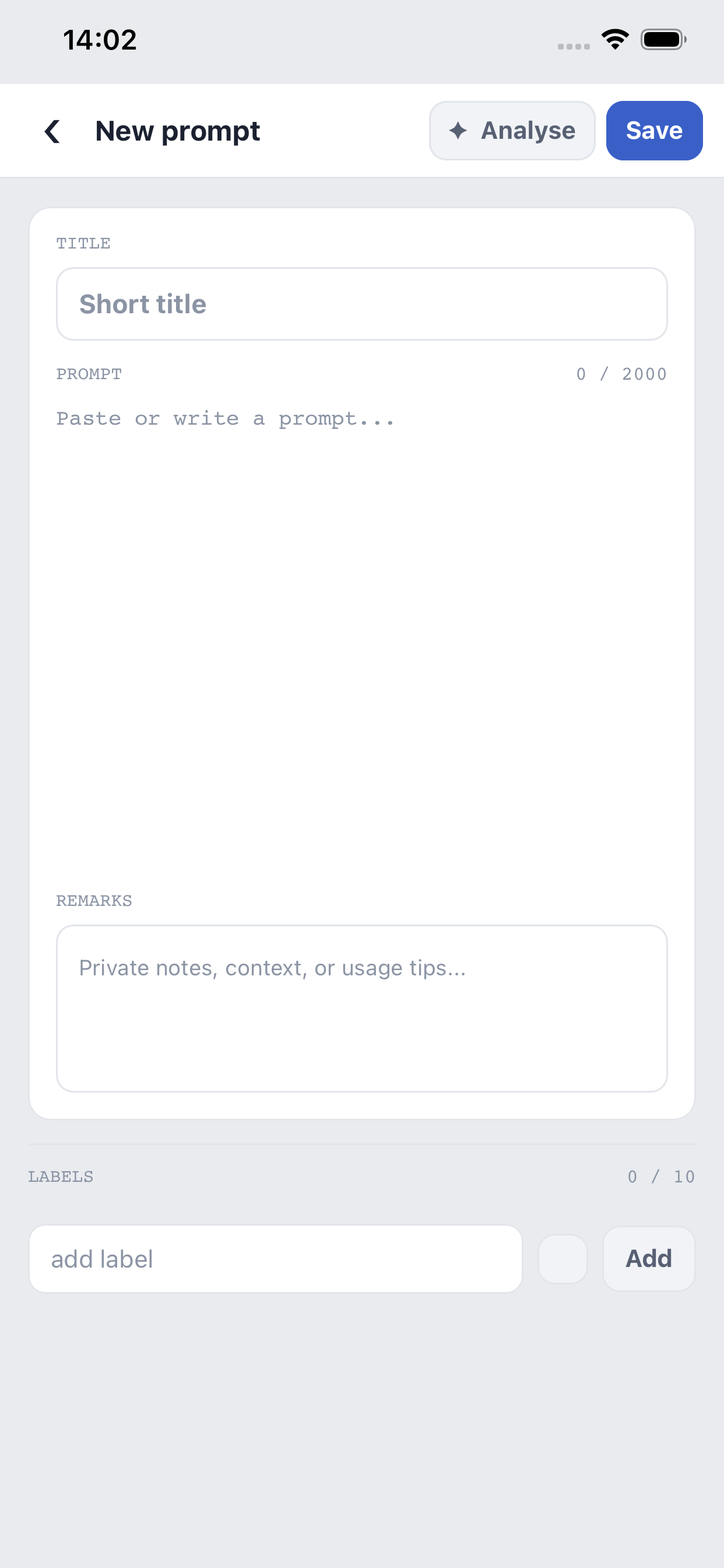
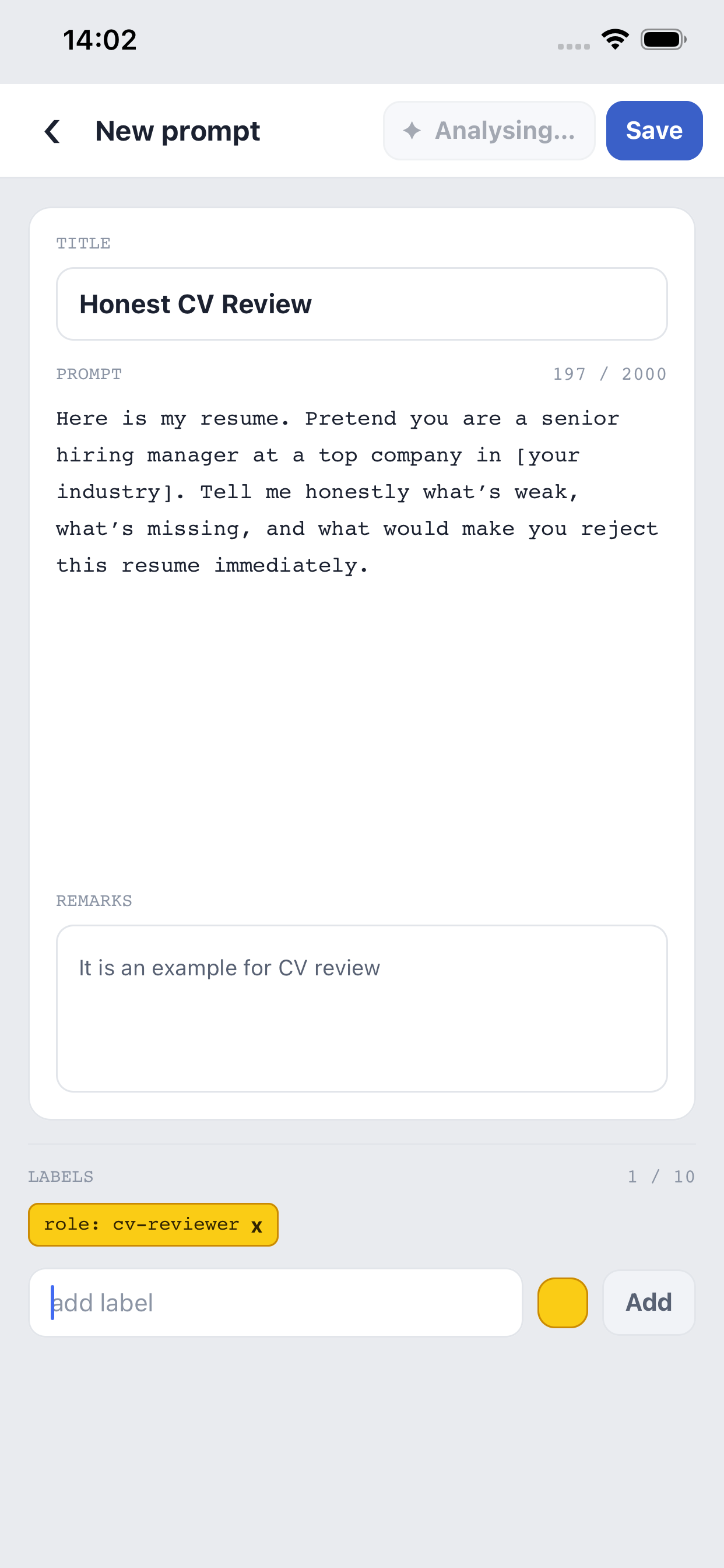
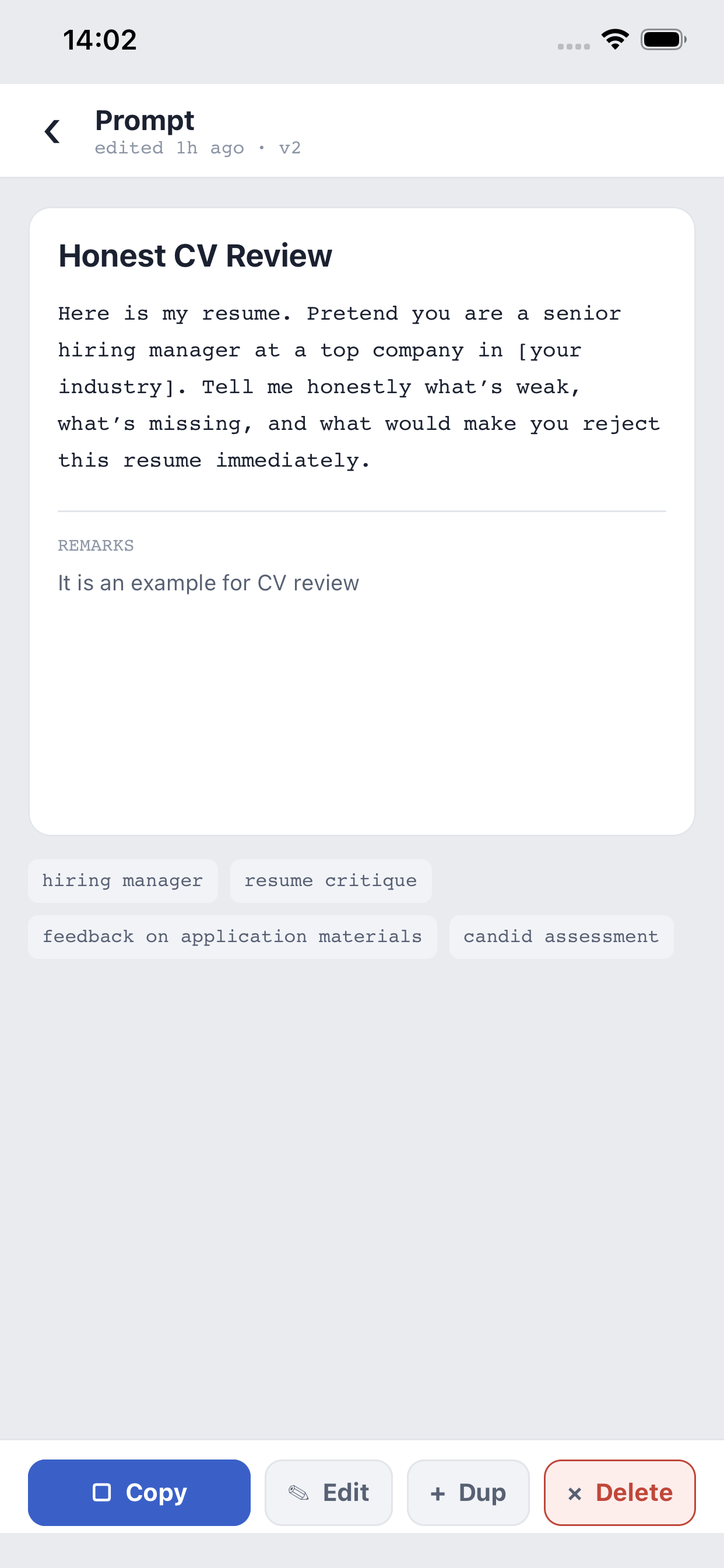
Prompt Library (ProLib) is a personal manager for AI prompts, built around one problem: once you have saved dozens or hundreds of prompts, finding the right one quickly matters far more than storing them. Every prompt has a title, the prompt text itself, and private remarks — your own notes about how and when to use it. Tap a card and the prompt is on your clipboard, ready to paste into any AI chat.
The library lives entirely on your phone, in a local database. There is no account, no login, and no cloud copy of your collection. Browsing, searching, copying, and editing all work offline — only AI labelling and companion sessions need a connection.
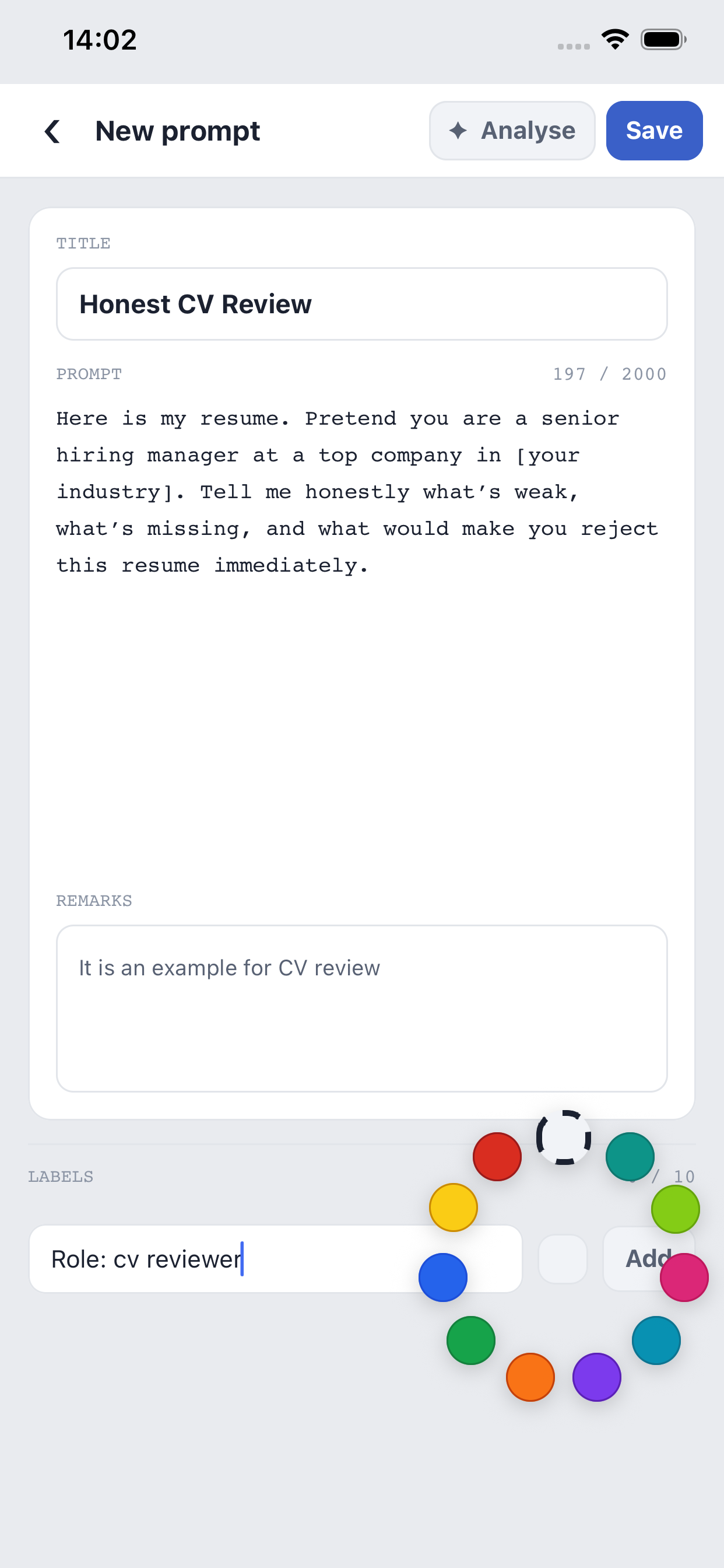
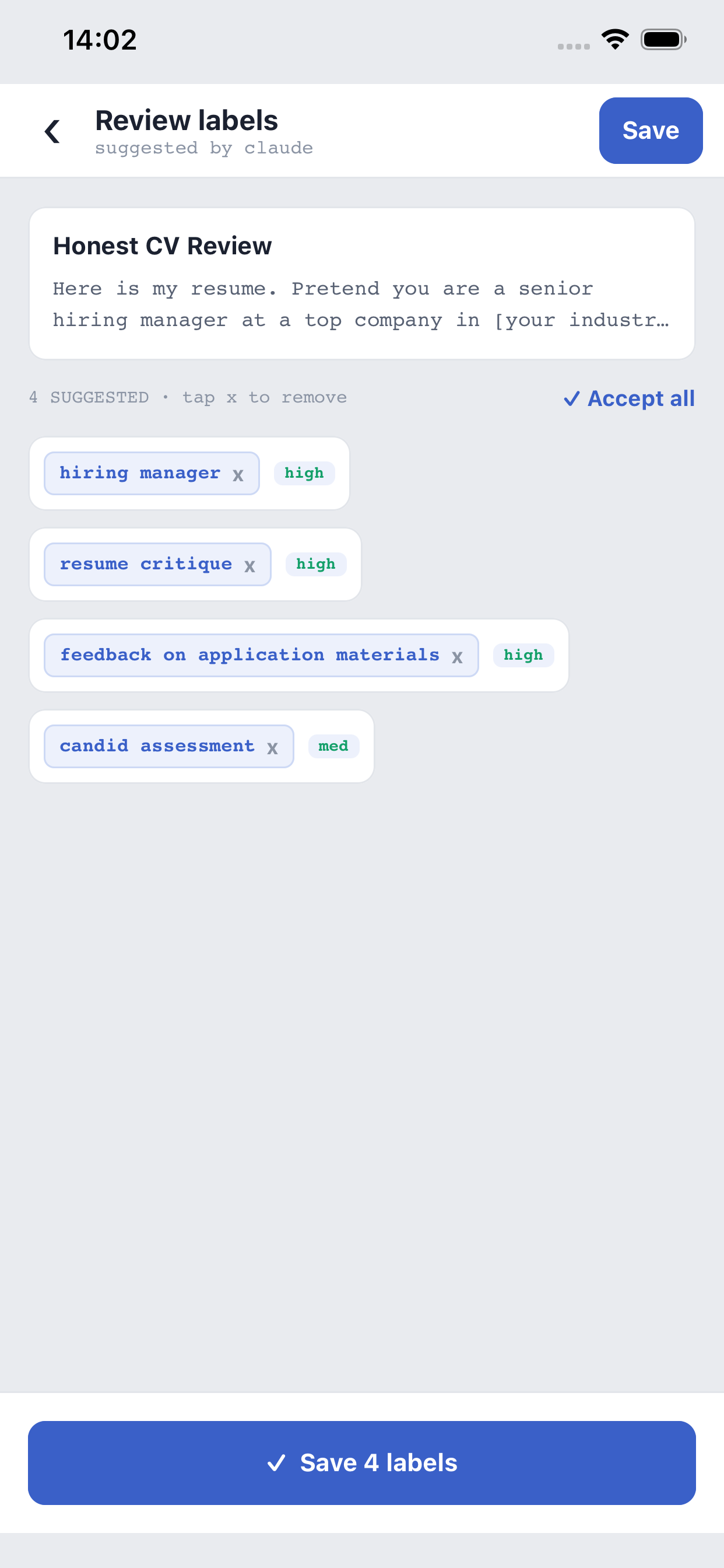
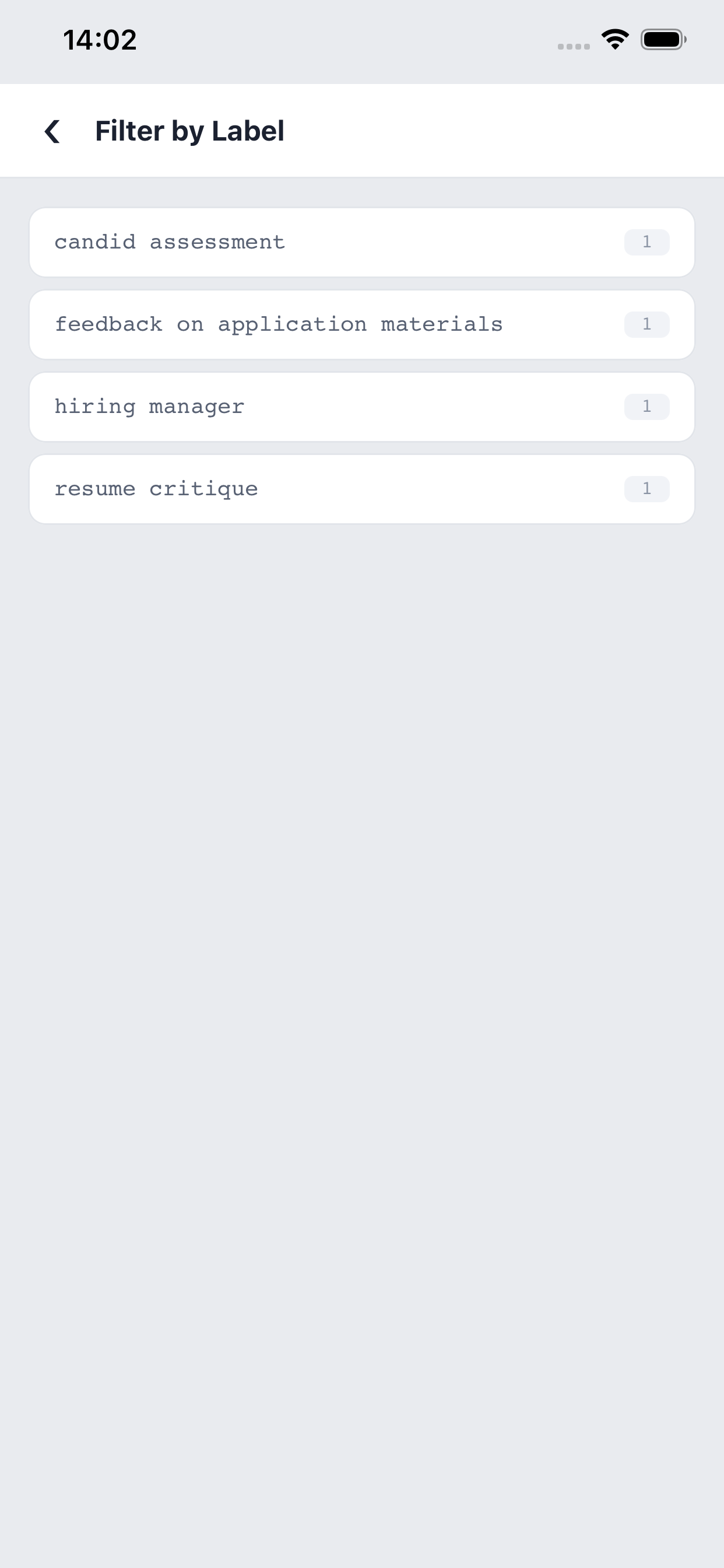
Retrieval is what makes ProLib different. Ask the built-in AI analysis to label a prompt, and Claude proposes a handful of retrieval-focused labels: the role the AI plays, the action it performs, and optionally the domain and output type. You review every suggestion before it is saved. Labels carry one of ten palette colours, so the library becomes a visual system you can scan at a glance — and full-text search plus combinable label filters narrow hundreds of prompts down to the one you need.
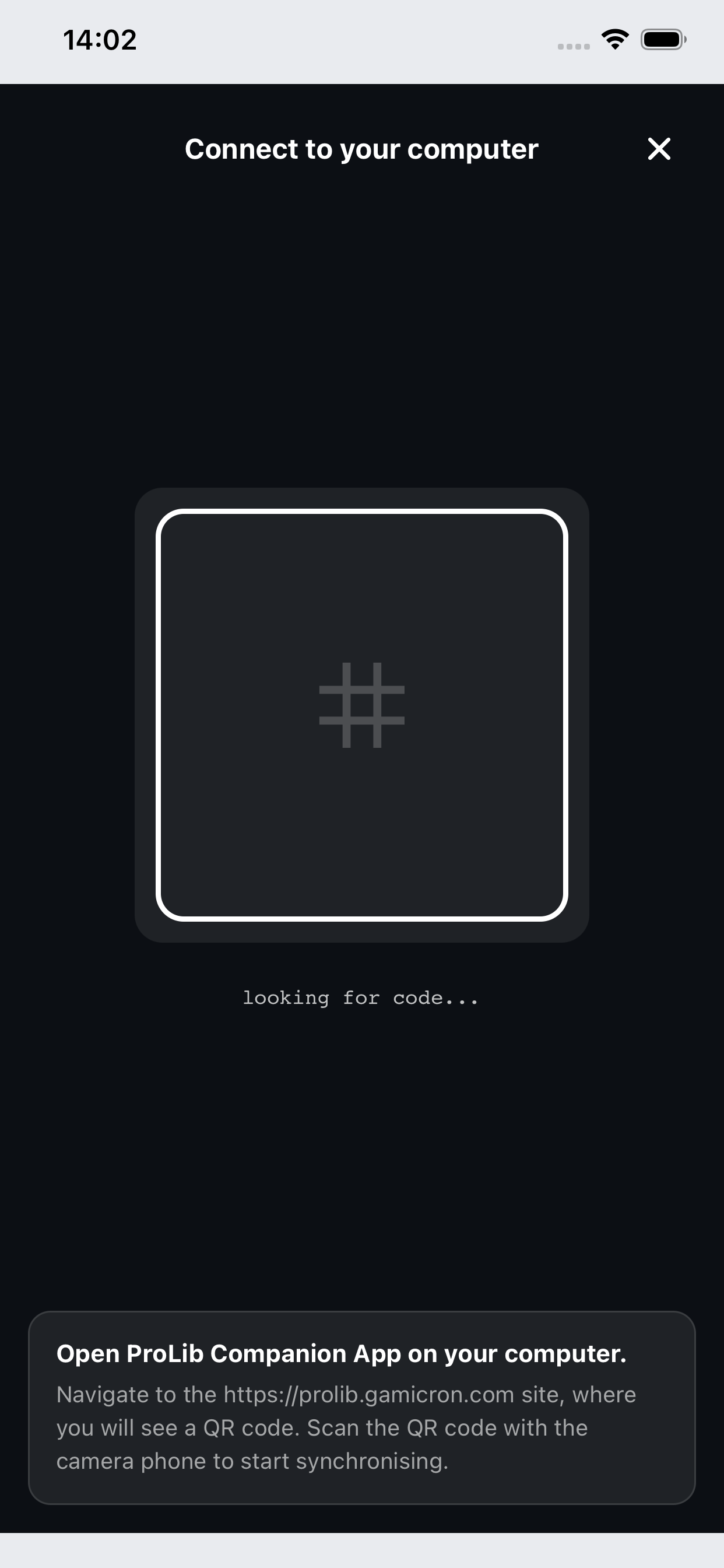
For desk work there is a full companion web app. Open prolib.gamicron.com on your computer, scan the QR code with your phone, and the entire library appears in a three-pane workspace — kept in live two-way sync with the phone for the duration of the session. End the session and the browser copy is wiped; your phone remains the single source of truth.
Screenshots
What makes Prompt Library different
One-tap copy
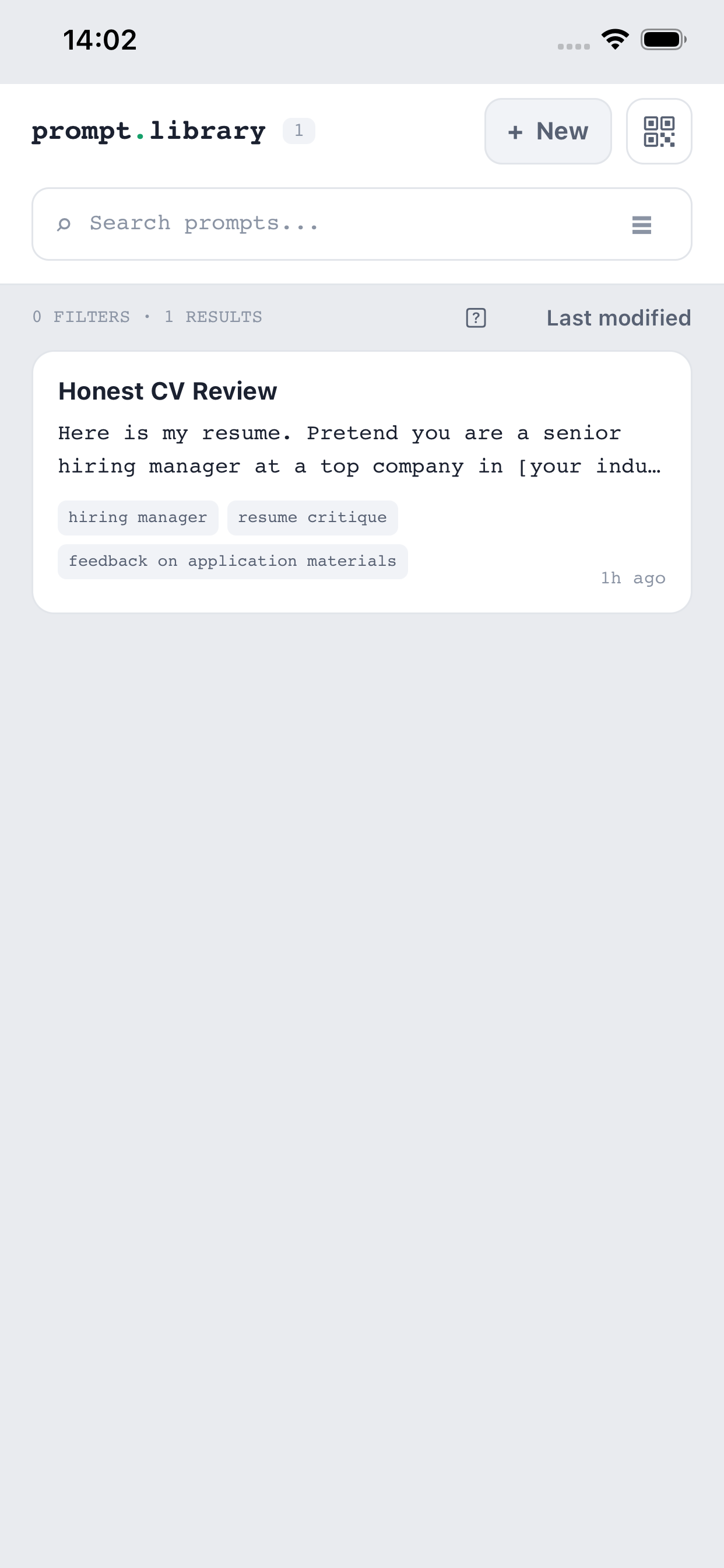
The whole card is the copy button: tap and the prompt is on your clipboard. Long-press opens the detail view, swipe right edits, swipe left deletes. Copying also feeds a "Last used" sort that surfaces the prompts you actually reach for.
AI labels by Claude
One tap sends the prompt for analysis and Claude suggests 4–8 retrieval-focused labels — the role the AI plays, the action performed, optionally domain and output type. Nothing is saved until you review and accept the suggestions.
Colour-coded labels
A fixed ten-colour palette turns labels into a visual system. Set a colour once and every chip with that label updates everywhere — on the phone and in the companion alike.
Search and filter
Full-text search covers titles, prompt text, remarks, and label names. Label filters combine, so two or three taps cut hundreds of prompts down to a handful. Sort by last modified, alphabetically, or last used.
Companion web app
Scan a QR code at prolib.gamicron.com and your library opens in a three-pane desktop workspace — label rail, prompt list, and detail pane — built for keyboard-friendly editing on a real screen.
Live two-way sync
While a session is connected, edits flow in both directions as they happen. If one side goes offline, changes are queued for up to 24 hours and delivered on reconnect. Once the snapshot has transferred, the phone can be locked or put away.
Private by design
Your library lives on your phone — no account, no cloud database, no analytics, no ads. The companion keeps only a session-scoped copy that is cleared when the session ends, and the AI key never leaves the server.
Backups you own
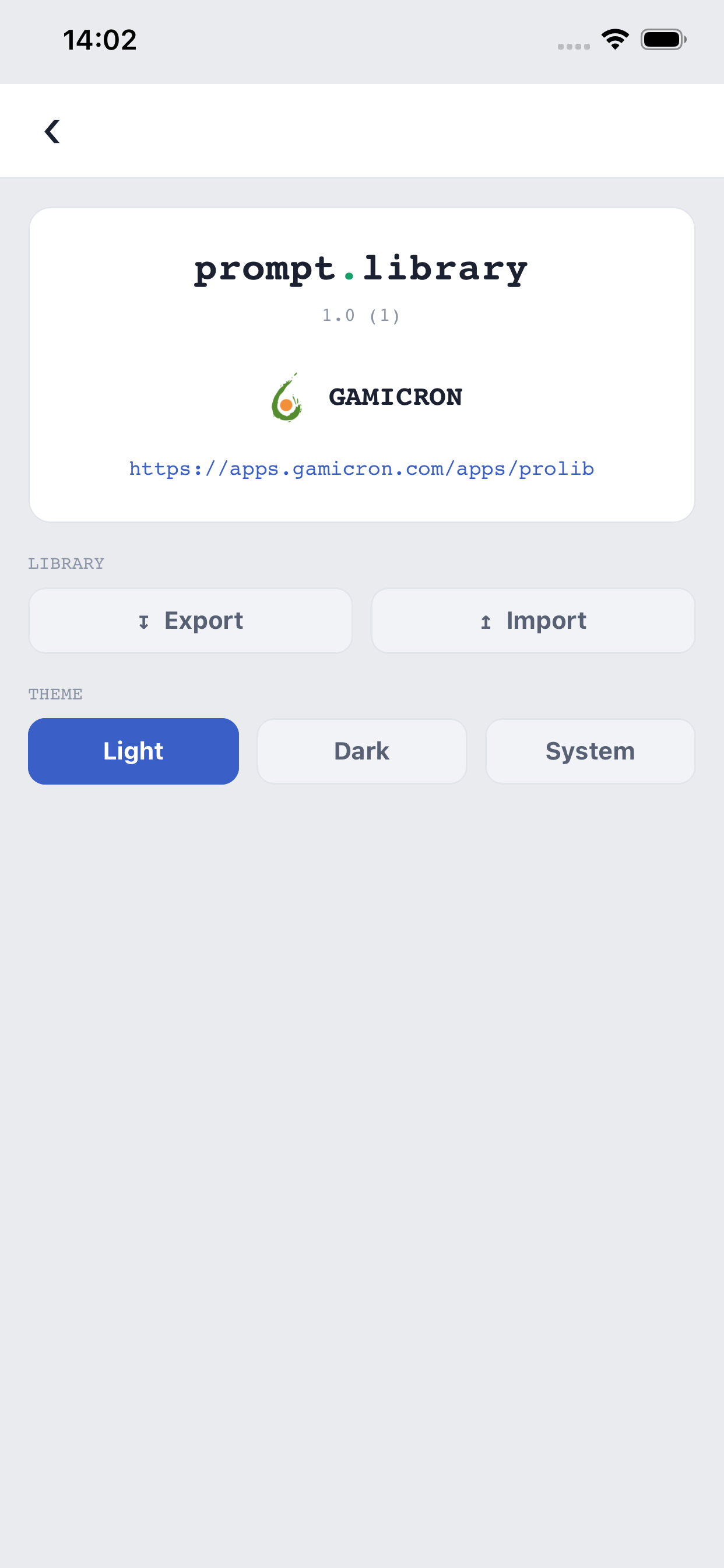
Export the whole library as a compact compressed file from either the phone or the companion. Imports deduplicate by content and resolve conflicts through a per-prompt diff review, so nothing is overwritten silently.
How a companion session works
Open prolib.gamicron.com in a browser and it shows a QR code. On the phone, tap the connect icon and point the camera at the code — that single scan establishes a private, token-secured session between the two devices.
The phone then pushes a compressed snapshot of the library; even a multi-hundred-prompt collection transfers in well under a second on Wi-Fi. From that moment the companion is a full workspace: search, filter, edit, label, and analyse with the same capabilities as the phone, while changes sync live in both directions.
Ending the session syncs any remaining changes back to the phone and clears the browser copy completely. If the phone is unreachable, the companion offers to retry, discard its changes, or download a full export as a backup — your data is never stranded on the server, because the server never keeps a persistent copy in the first place.
Privacy
Your prompt library is stored only on your device. There is no account, no analytics, and no advertising. AI labelling sends the prompt text to a Gamicron server that forwards it to Anthropic's Claude API for analysis; companion sessions hold a temporary copy in your browser that is cleared when the session ends.
Support
For support, bug reports, or feedback, contact support@gamicron.com.